





















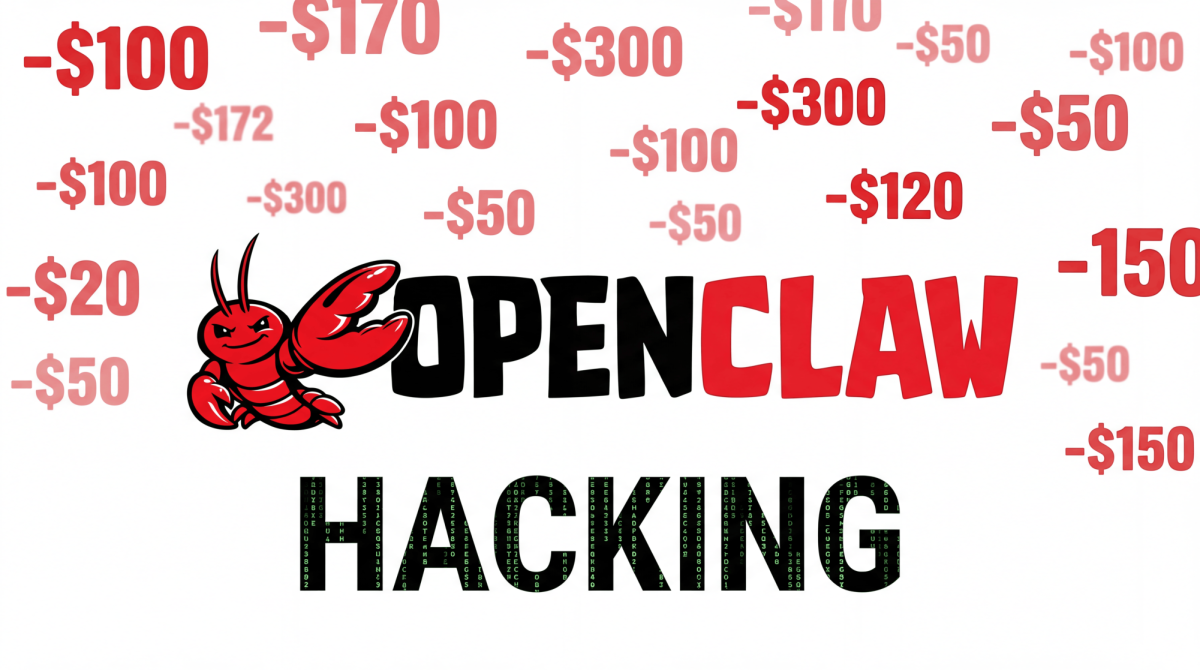
With the recent release of OpenClaw, an AI-powered software specializing in automatically managing files and daily workflows, developers and users alike have been installing the software on their computers to boost their productivity and automate tasks.
Its immediate appeal to users lies in its ability to handle tedious tasks. OpenClaw can scan your entire computer and summarize your digital calendars, deadlines and incoming messages. The AI can read everything in the background and advertises itself as a method for office workers to spend less time going through monotonous organizational tasks.
Though AI is not a complete replacement for automatic digital organization, and still requires manual review, when it comes to academic use, students can use OpenClaw to generate weekly schedules, build personalized study plans and summarize lecture notes from otherwise scattered PDFs on their computer, all of which saves hours of manual organization and planning.
But with this efficient software comes some potential risks. For instance, our rush to automate tasks, are we slowly eroding qualities that define our humanity, eventually entrusting personal judgment to artificial intelligence? Time will answer that question.
Another danger became clear in early March, when OpenClaw was involved in a data leak caused by its native feature: unrestricted file access. Because the AI continuously scans your computer in the background in order to organize a workflow that you set up, a bug that made the routine syncing process of the AI model caused the software to accidentally view and ingest the highly sensitive data.
These tax returns, browser passwords and private messages were parsed without permission. At the same time, many users have no idea that the AI is operating silently in the background. The AI is granted access to all files on a computer, which means some personal data may have been inadvertently parsed and released to the public without the user’s knowledge or permission.
However, it’s not difficult at all to protect yourself from this accidental data leak. You can either isolate the AI entirely by using a completely different physical machine or by running a virtual machine in your primary device.
The most popular hardware isolation method to prevent data leaks is buying a Mac mini, which costs $599. These machines offer great performance while being relatively cheap for their specs. For instance, other comparative mini PCs like the HP Elite Mini 800 can cost upwards of $1,000.
Using the Mac mini, the user can create a clean account with no personally important data, then enter credit cards with spending limits on that computer for OpenClaw to use. This ultimately creates an isolated system where OpenClaw can do its job without the threat of random file deletion or private information leakage.
If purchasing secondary hardware is not an option, another way to protect your information is for users to create a virtual machine on their main computer for free. To create this virtual machine, you can just install VMWare or VirtualBox. The only reason this isn’t more popular is that you need to learn the steps to set up your virtual machine.
Ultimately, though humans should be wary of their reliance on AI and its uses, Openclaw nonetheless proves itself a significant productivity booster. With its ability to act as a personal assistant, by summarizing emails in seconds, organizing files on your computer and planning your personal calendar, workers gain hours of free time to express themselves in the creative aspects of their lives and spend their time working on things they enjoy.
