












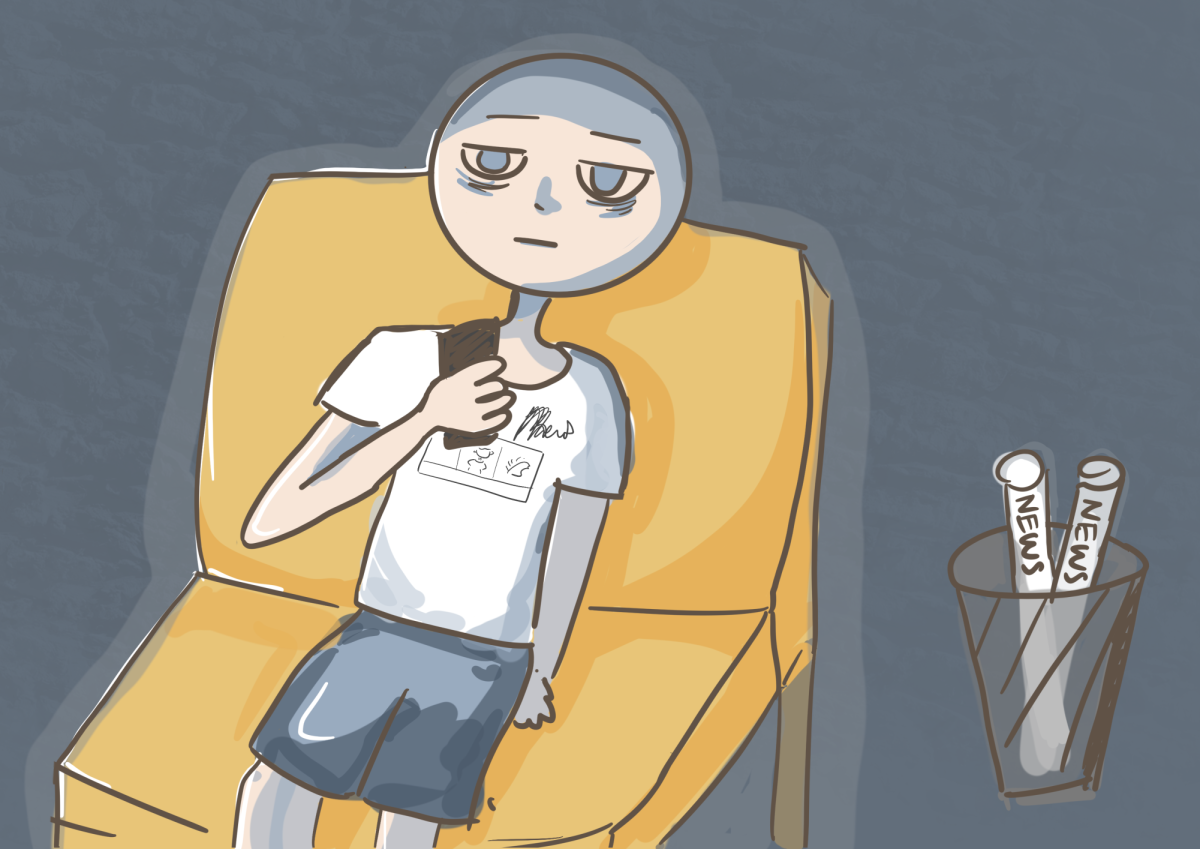









Like many teens, I’m not as productive as I could be thanks to technology and social media. Too often, I can spend countless hours mindlessly scrolling on Instagram, looking at reels or posts. Before I know it, it’s 10 p.m. and a whole school day’s worth of unfinished work still sits on my desk.
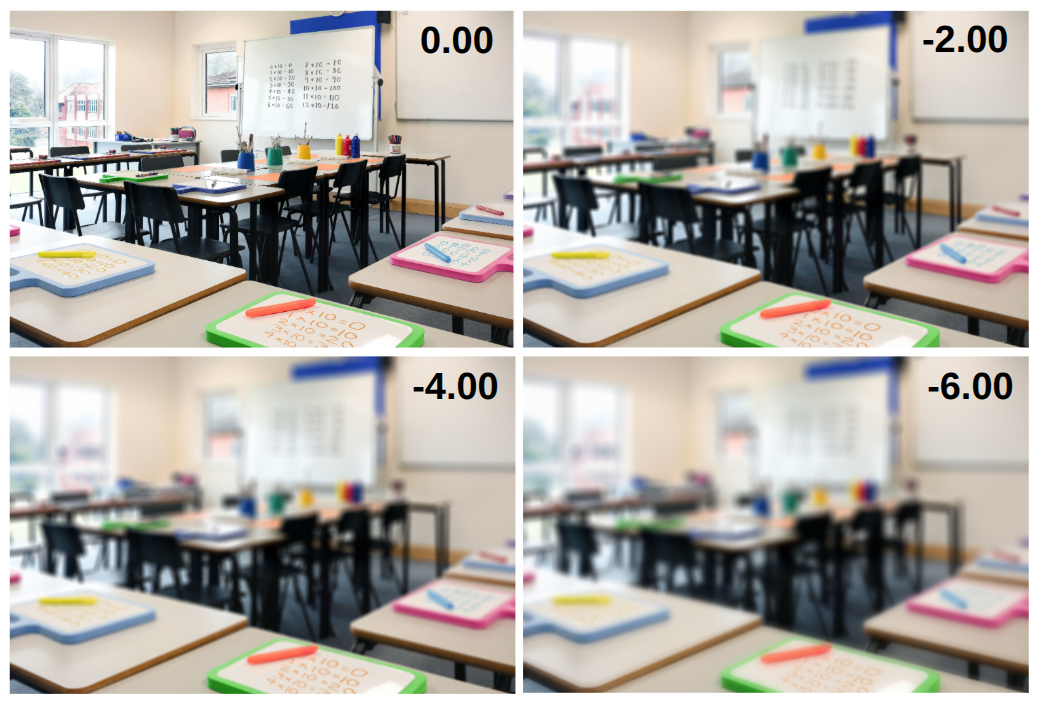
According to the Pew Center, 72% of teenagers report feeling distracted by their devices during school hours, and it’s probably higher when they’re not in school.
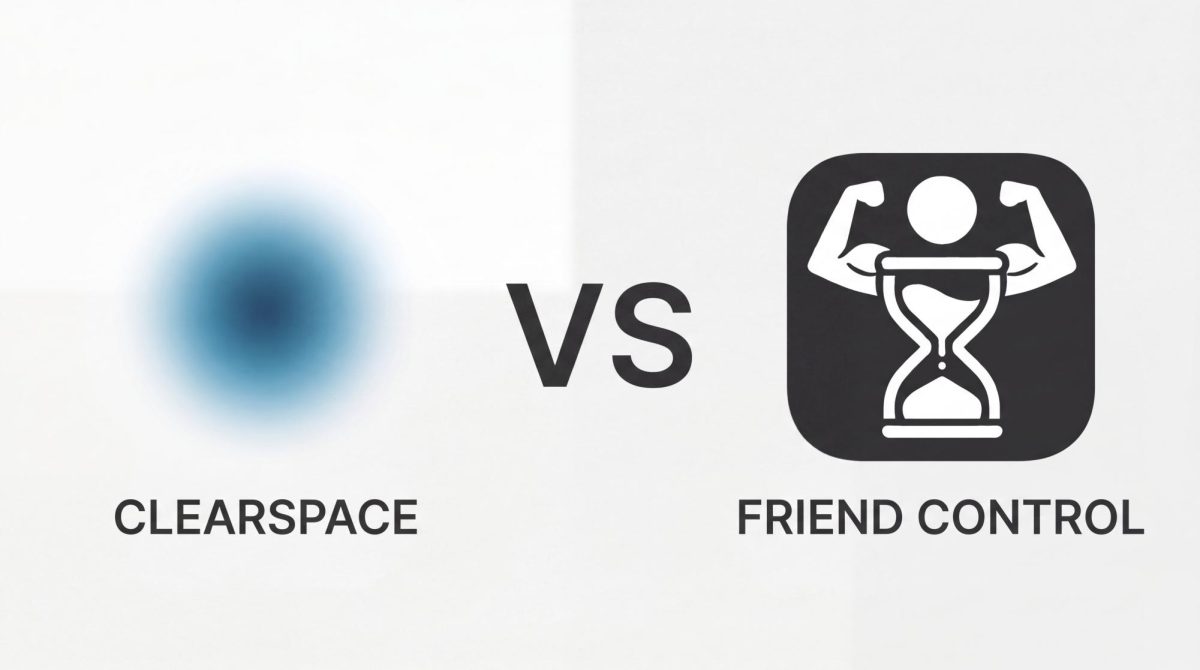
To find a solution, I researched and installed the two top-trending screen time restriction apps on the App Store: Clearspace and Friend Control. After a week of testing these apps, here are my conclusions.

Courtesy of Pew Research Center
72% of teenagers reported feeling distracted by their devices during school hours.
Clearspace offers robust, restrictive capabilities
I began my journey to control my digital life with Clearspace. This app adds a barrier to accessing apps you choose to restrict, in the form of either a “breathing exercise” or a “strict mode”; the latter prevents users from accessing the restricted app or editing the time limit restrictions entirely for anywhere between one minute and 48 hours.
One feature that really stood out to me was a “challenges system.” This AI-integrated workout-tracking system lets users buy more screen time for restricted apps. You earn this credit by exercising.
For example, if you open your camera and do push-ups, the app can detect and count each rep. Using this system, you can set how much exercise a single minute of screen time is worth. But while this sounds great in concept, the AI-detection system is flawed, and even with perfect form, your pushups won’t be detected without pixel-perfect camera alignment.
However, one perk this app offers is a free Pro-level access for students. By signing in with my school Gmail account and entering my graduation year, I got the Pro version (unlimited app blocks and access to all AI-workout detection features) for free until my graduation year, making it a budget-friendly choice.
Rating: 4/5 Falcons
Friend Control features screen time limitations with peer accountability
After a week of using Cleaspace, I tried Friend Control, an app that takes a psychological approach by implementing social shame rather than a hard lock on your screen time. It works by setting a time limit on an app, then adding a friend who controls whether you get more screen time after you’ve run out.
If you use up your screen time, the app displays your options to either send a “Beg” request to your friend for more time or choose the “Touch Grass” option instead.
Since you can also include a message explaining the reason for the request, it makes it significantly more embarrassing to admit you’re unproductive and spend too much time doomscrolling.
One major downside of this app is that you must pay either $14.99 per year or $2.99 per month to restrict more than one app, which makes the app much less efficient if you want to use the free version.
When testing the app with my friend, sophomore Allen Huang, he noted the app significantly improved his and his friend’s lives and their awareness of the outside world.
“We started appreciating the world outside the screens, focusing on schoolwork, sleeping more and having more time to spend on hobbies we enjoy,” Huang said.
Rating: 4.5/5 Falcons
To sum it up, the pros of Clearspace include its student account promotion and its ability to lock apps strictly; the major pro of Friend Control is its ability to work with others, so the user will feel ashamed when “begging” for more screen time.
Clearspace also has a buggy AI-workout feature, while Friend Control requires a paid subscription to add more apps.
For me, Friend Control was the superior screen time app. Because it let me pair up with friends and hold each other accountable, I was very successful in reducing screen time. It also motivated me to share the app with others to increase efficiency.
